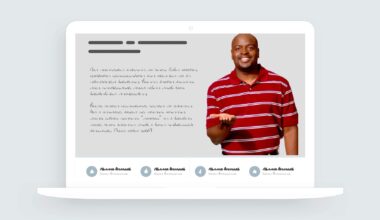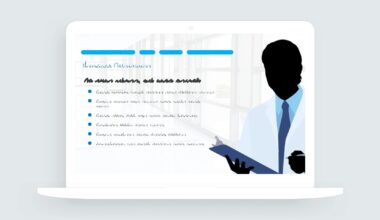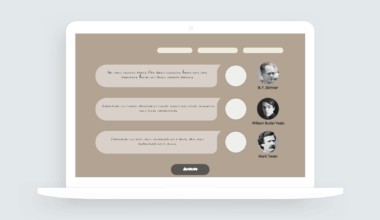
If you’ve ever looked at a page and thought, ‘Whoa, there’s way too much going on here,’ accordions are about to be your favorite interaction in your e-learning toolkit.
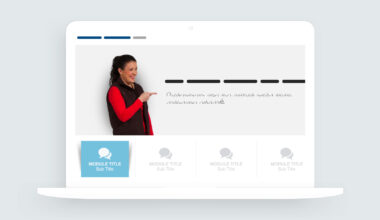
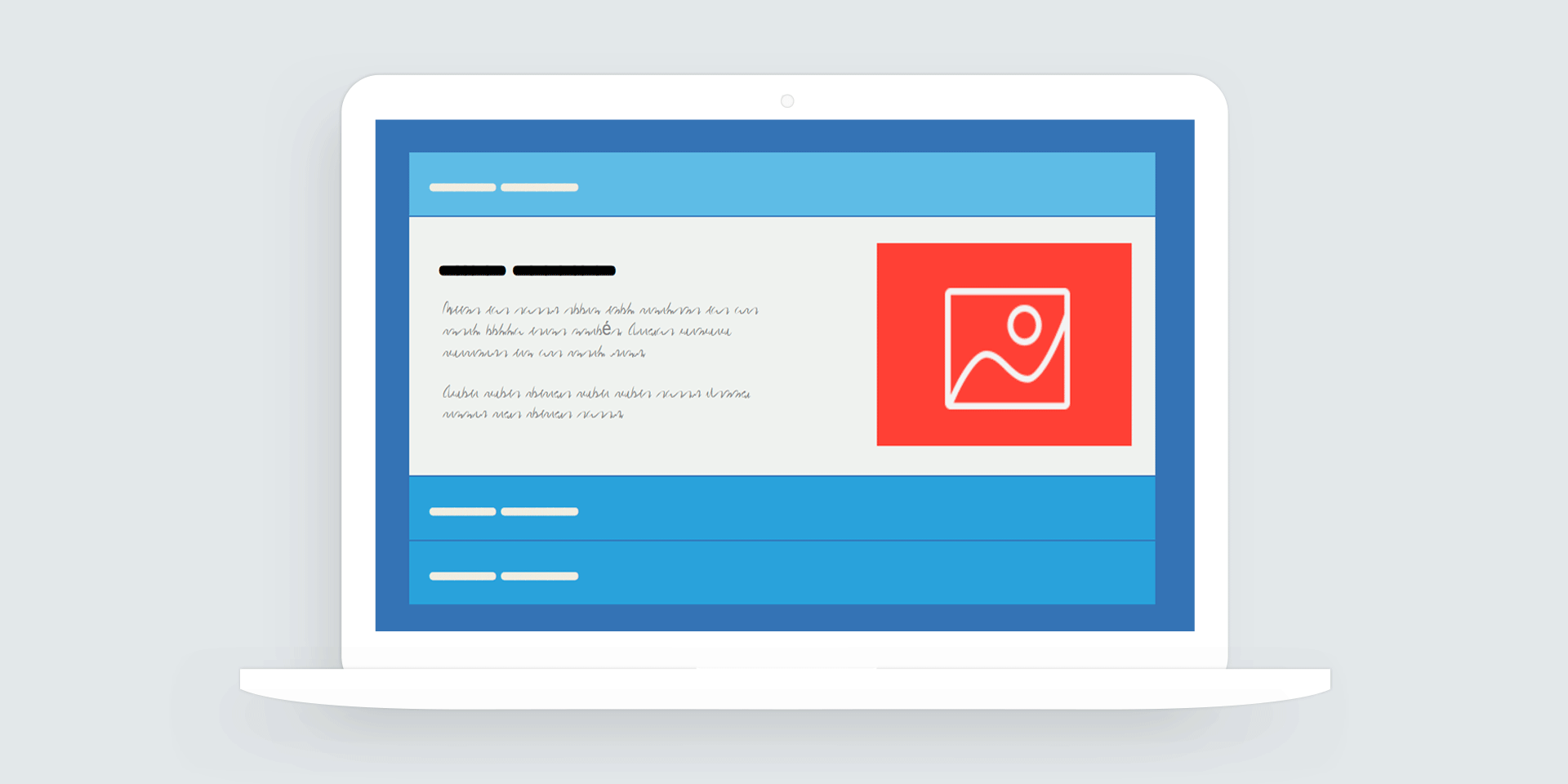
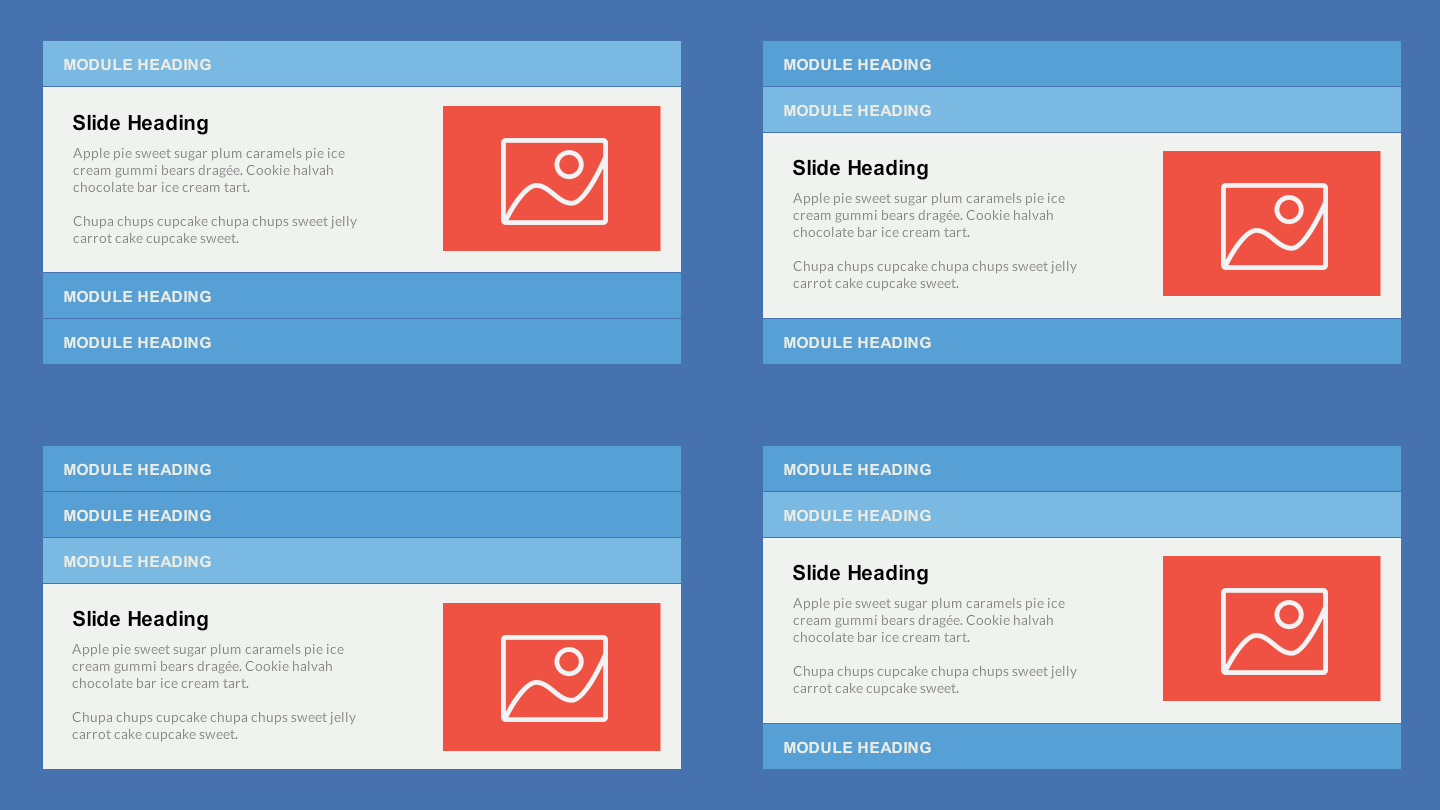
Accordion interactions let you tidy up a busy page by tucking away extra info into neat, clickable sections (so you only see what you need, when you need it). Even the trickiest topics start to feel a lot more manageable. Once you start using them, you’ll wonder how you ever got by without them.
Why do I like accordions so much?
- Here’s what I do: I put all the ‘nice to know’ info inside an accordion and leave the must-have stuff right out in the open. That way, if or when your learner needs more info, they can get it without having to scroll through everything to find what they need.
- I like using accordions to keep related info together in one tidy spot. Things like definitions, FAQs, or extra feature details that would normally take up a ton of space all fit right inside an accordion, so your page stays clean and easy to scan.
- If you have a long block of content, just break it up into a few short accordion panels with meaningful headings.
View the accordion example | Download the Storyline 360 template